Wide range of domain free for Nepal
A website with rankable domain is everyone's dream. But,good and rankable domain Registration for a website is costly. However Citizens residing in Nepal are lucky to have wide range of domain freely available.
Steps for registration of Free Domains:
Step 1:
Go to register.com.np or Click here REGISTER.
STEP 2:
Select any one of the available Domains.
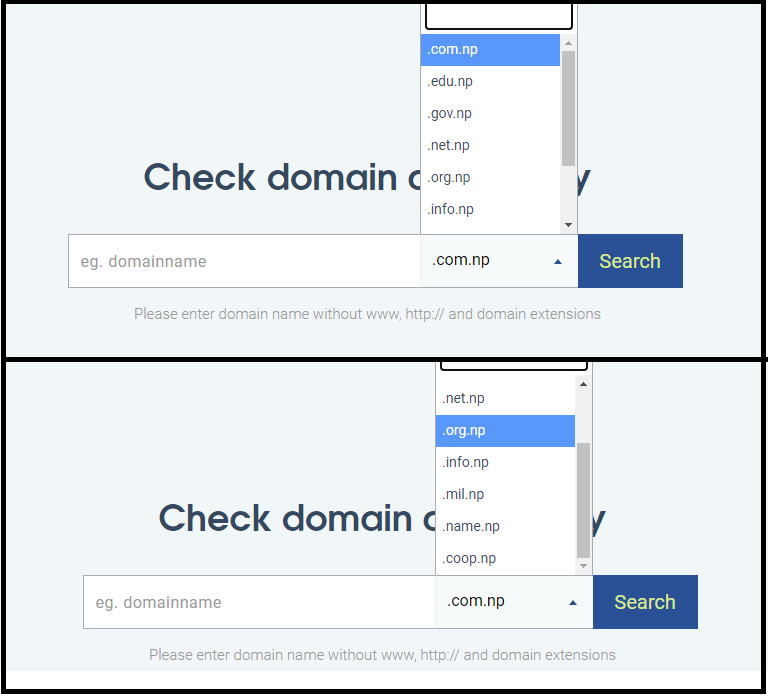
Among these domains, .com.np is appropriate for your personal blogs, website, etc. Also it does rank good in search list.
CLick here to learn about domain ranking
Step 3. Enter your domain name. Use your name as domain name as listed in your Citizenship. (eg yourname.com.np)
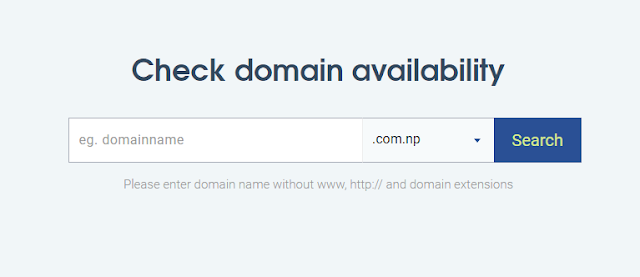
If your domain name is availble you can proceed to next step.
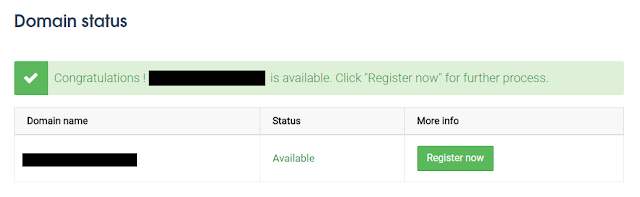
If domain name is already taken, then use surname then first name as domain name or use some number after your name . (eg yourname123.com.np or nameyour.com.np)
STEP 4:
Click on Register Now and Create user id.
STEP 5:
Enter your Information as per your Citizenship.
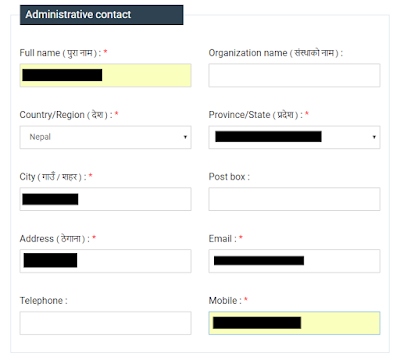
You can use your administrative contact for technical contact.

STEP 6:
After you've saved your contact details in the form, you'll be proceeded to a new window to submit essential documents.
For an individual's domain name, you need to submit scanned images of your citizenship and a hand-written cover letter.
For an organization's domain name, you need to submit scanned image of the company's registration certificate and a hand-written cover letter.
A sample format of the Cover Letter for a personal domain can be:
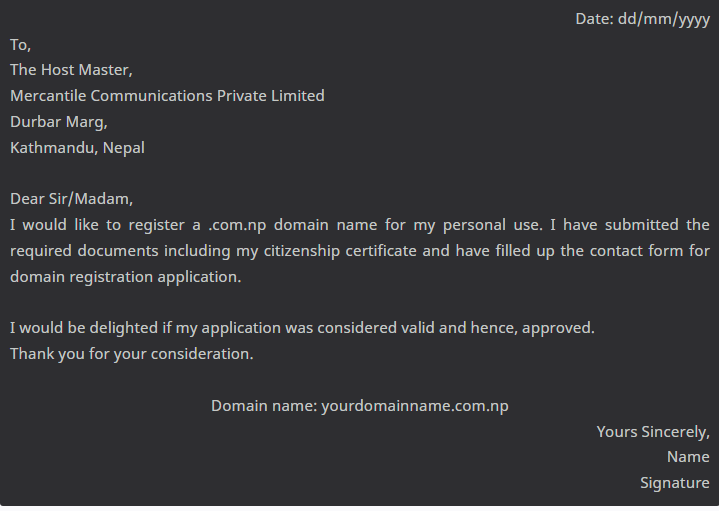
The naming conventions of the scanned image files is, at the time of this post, a critical topic when applying for a domain name.
For Citizenship, you should name the images: citzenship.jpg.
For Cover Letter, you should name the image: coverletter.jpg.
Consider the available image formats.
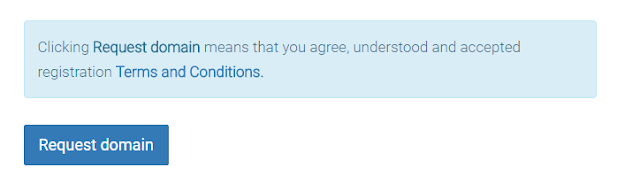
After uploading the images, click the 'Request domain' button that appears at the end of the form.
STEP 7:
Then, you'll be redirected to your dashboard where you can check the status of your domain application.
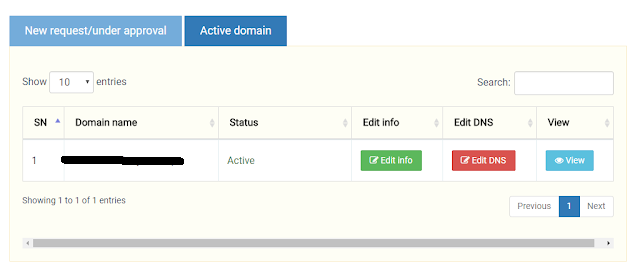
It can take 2-3 working days for your request to be processed. If you have followed all the steps mentioned above and have read the terms and conditions, your application will likely be approved and you will see it listed under 'Active domain' section.
You are then open to use your active domain name.
In case your application is rejected, retrace the above steps and make sure you have followed all the conventions.
If any hurdles, mention them in the comments below.
For more free web hosting click here
Leave a comment